Top Alternatives: find a substitute, and understand which kind you need
Top Alternatives is an independent directory with 65 guides, 2,232 distinct alternatives and 3,141 list entries across 17 categories. Every alternative is sorted into one of 10 types, such as direct, budget-friendly, free, open-source, self-hosted, regional or DIY. It is compiled from public sources in November 2026, carries no paid placements and does not publish prices or test results.
Most lists of alternatives hide the one thing a buyer needs to know: why the alternative exists. A cheaper clone, a free webmaster console, a self-hosted project, a local specialist and a spreadsheet are all called alternatives, and they solve very different problems. Top Alternatives is built around that difference. Each guide on this site takes a well-known product and sorts its alternatives into ten clearly named types, so that you can see which kind of switch fits your situation.
The directory currently holds 65 guides, 2,232 distinct alternatives and 3,141 list entries across all guides. The difference between the last two figures is deliberate: many tools appear in more than one guide, because a single open-source project or regional vendor can stand in for several well-known products. The guides are grouped into 17 categories, from accounting and cloud hosting to SEO tools and telephony, and the whole collection is organised along 10 types.
The content is based on public sources reviewed in November 2026. We did not run hands-on trials, we do not publish prices, and inclusion in a list cannot be bought. What you get is a structured map of the market that helps you build a shortlist quickly. After that, you should check current plans, limits and availability on each vendor's own site. The methodology page lists the sources, and the about page explains who stands behind the site.
- Direct: 650 (21%)
- Budget: 199 (6%)
- Free: 143 (5%)
- Enterprise: 282 (9%)
- Open source: 454 (14%)
- Self-hosted: 148 (5%)
- Regional: 595 (19%)
- Built-in: 173 (6%)
- Adjacent: 400 (13%)
- DIY: 97 (3%)
Browse by category
- CRM & Sales Software3 guides · Pipeline management, customer records and sales automation.
- Lead Intelligence & Prospecting4 guides · B2B contact data, enrichment, visitor identification and outreach.
- Email Marketing & Delivery4 guides · Newsletters, automation, transactional email and sending infrastructure.
- SEO & Search Tools9 guides · Keyword research, rank tracking, audits and content optimization.
- Marketing Analytics & Tracking3 guides · Web analytics, reporting dashboards, click-fraud protection and tag management.
- Social, Influencer & Affiliate Marketing2 guides · Social media management, influencer marketplaces and partner programs.
- Customer Support & Messaging5 guides · Help desks, shared inboxes, live chat and messaging platforms.
- IT Management & Monitoring8 guides · Service management, infrastructure monitoring, device management and remote access.
- Cloud, Hosting & Infrastructure3 guides · Virtual servers, hosting providers, virtualization and edge networks.
- Payments, Spend & Crypto3 guides · Payment processing, corporate cards, expense management and exchanges.
- Accounting & ERP Software4 guides · Bookkeeping, invoicing and small-business ERP.
- HR & Global Hiring2 guides · HR information systems, employer-of-record and global payroll.
- Telephony, Video & Communications5 guides · Cloud phone systems, contact centers, CPaaS and video hosting.
- Documents, Projects & Productivity4 guides · E-signature, proposals, project management, intranets and surveys.
- Data, Proxies & Utilities2 guides · Web data collection, proxy networks and system utilities.
- Everyday Alternatives2 guides · Alternatives for fitness, cooking, car parts and legal streaming.
- Personal Finance & Investing2 guides · Alternatives to traditional student loans, investing platforms and credit scoring. General information only.
Browse by type of alternative
- Direct alternatives: Products that solve the same core problem for the same kind of buyer. Switching usually means moving data and retraining people, not changing how you work.
- Budget-friendly alternatives: Lower-cost tools that cover the essential jobs without the full feature surface. A good fit when you pay for seats or features you rarely open.
- Free options: Tools with a free plan or free access that is usable on its own. Limits on volume, users or history usually apply, so check them before you commit.
- Enterprise-grade alternatives: Platforms built for large teams: governance, audit trails, integrations and support contracts. They tend to cost more and take longer to roll out.
- Open-source alternatives: Projects whose source code is public. You can inspect, modify and often self-host them, at the price of doing more of the maintenance yourself.
- Self-hosted alternatives: Software you run on your own server or computer. You keep control of the data and the uptime, and you take on updates, backups and security.
- Regional and local alternatives: Vendors that are strongest in a particular country or region: local languages, local payment methods, local data-residency rules and local support hours.
- Built-in features of platforms you already use: Capabilities that already ship inside a suite or platform you pay for. They rarely match a specialist tool feature for feature, but they cost nothing extra.
- Adjacent tools: Products that cover part of the job or approach it from another angle. Useful when you only need a slice of the original product.
- DIY and self-made approaches: Spreadsheets, scripts and workflows you assemble yourself. Cheap and flexible for small needs, but they depend on whoever built them.
Where alternatives are missing
Which products have no open-source option, no free option or no regional vendor? The gaps map shows every product against every type, so you can see at a glance where choice runs out.
Popular guides
 Vimeo alternatives50 options
 Stripe alternatives50 options
 Zendesk alternatives50 options
 Mailchimp alternatives50 options
 Salesforce alternatives47 options
 VMware alternatives50 options
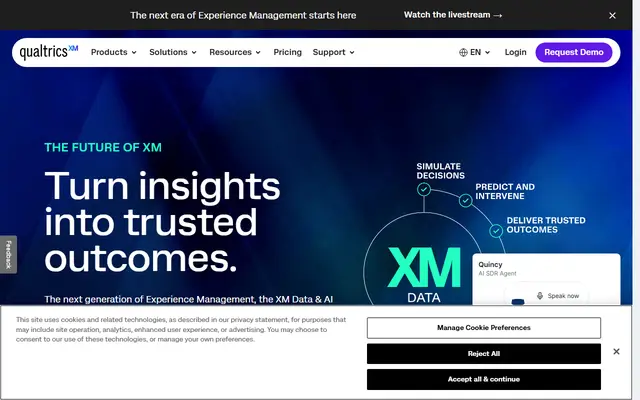 Qualtrics alternatives42 options
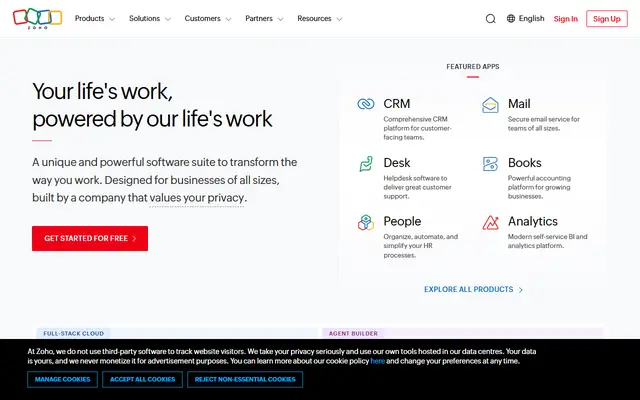 Zoho CRM alternatives47 options
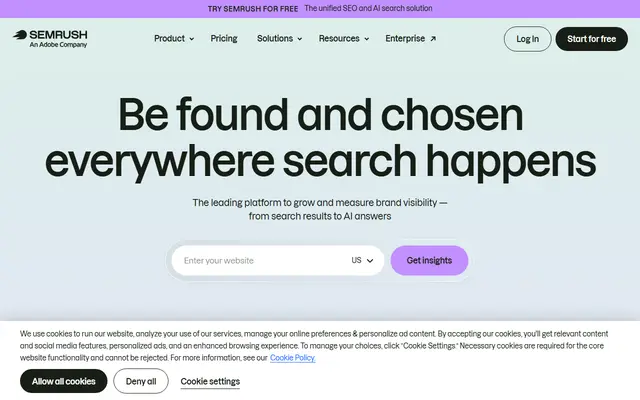 Semrush alternatives50 options
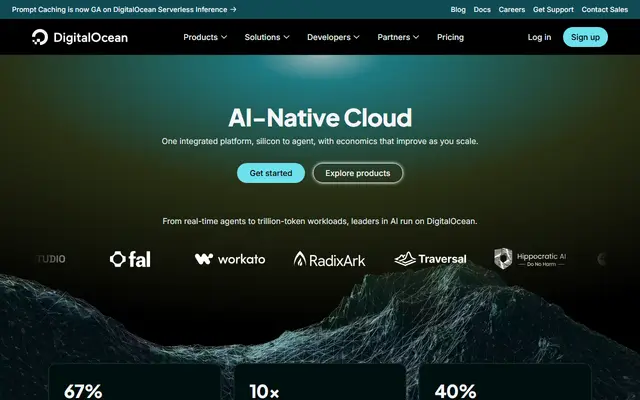 DigitalOcean alternatives50 options
 Ahrefs alternatives50 options
 monday.com alternatives47 options
 Coinbase alternatives50 options
 Freshdesk alternatives50 options
 Twilio alternatives50 options
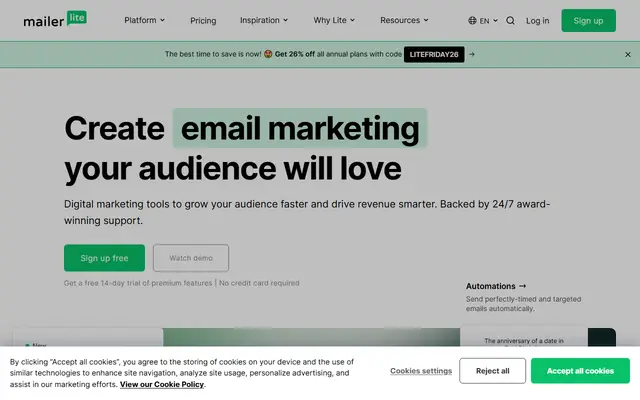 MailerLite alternatives50 options
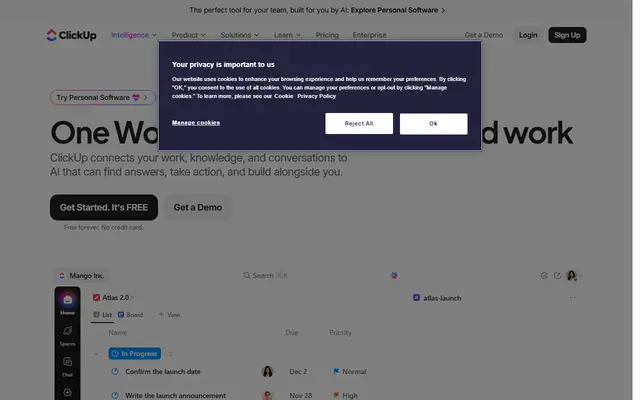 ClickUp alternatives50 options
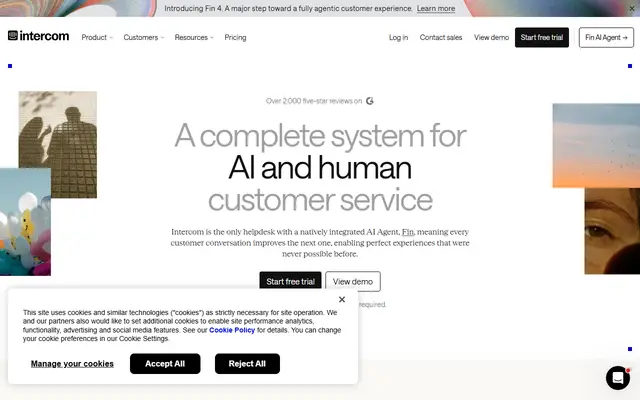 Intercom alternatives50 options
What this site is, and what it is not
Top Alternatives is an English-language reference for people who are considering leaving a software product, or who want to know whether they need to pay for one at all. Each product guide opens with a short answer, explains why people look for substitutes, offers criteria for choosing, and then walks through the alternatives by type, with a migration checklist and a list of common mistakes. The aim is to help you decide quickly what kind of alternative to investigate, not to crown a winner.
It is not a review site. We do not rate products, hand out scores or claim to have tested them. It is not a price-comparison service either, because prices and plan limits change too often to be reliable in a static directory. And it is not affiliated with any vendor named on it. Names are used to identify products, and the logos or screenshots shown serve identification only. If you spot something wrong, the contact address on the about page is the right place to report it.
How to use the directory
A good way to start is to name the reason you are leaving. If the answer is cost, open the budget and free hubs. If the answer is control over data, look at self-hosted and open-source. If the answer is local rules, language or payment methods, go to regional. If you suspect you do not need a separate product at all, read about built-in features and DIY approaches first. Then open the guide of the product you use today and jump straight to the section for the type you picked.
Each guide ends with a migration checklist and a list of mistakes to avoid, which are useful even if you stay with your current vendor. The category pages compare the whole field at once, which helps when you are not attached to one product. The type pages explain a single kind of alternative across every category, with the risks and evaluation steps that apply to it. Read the entry status carefully: seen in search means we found the product described as a substitute in public results, while unconfirmed means we could not match it and you should verify it yourself.
Accounting alternatives
Bookkeeping and invoicing tools tend to be chosen once and kept for years, which makes a switch a serious project. The accounting category covers guides such as QuickBooks, Xero and NetSuite, with options ranging from local accountancy software to self-hosted ERP projects. This is general information, not financial, tax or legal advice, and rules depend on the country.
Cloud hosting alternatives
Hosting choices shape cost, performance and how much administration you do yourself. The cloud hosting category includes guides such as DigitalOcean, Cloudflare and VMware, and its alternatives span managed platforms, control panels, regional providers and self-run infrastructure for teams that want to keep control.
Consumer and lifestyle alternatives
Not every substitute is software. The consumer lifestyle category applies the same structure to everyday choices, such as kitchen substitutes in Double Cream, exercise variations in the Dumbbell Step-Up guide and sourcing options in OEM Car Parts. Treat these pages as general information, and follow safety and fitment guidance from qualified sources.
CRM and sales alternatives
Customer relationship tools hold the history of your sales work, so data export and adoption by the team matter more than any feature list. The CRM and sales category includes Salesforce, Pipedrive and Zoho CRM, along with options from lightweight sheets to full self-hosted platforms.
Customer support alternatives
Help desks, shared inboxes and messaging platforms overlap heavily, so it pays to decide which job you are replacing. The customer support category covers guides like Zendesk, Intercom and Help Scout, with alternatives ranging from simple team inboxes to channel-specific tools for local messengers.
Data and proxy alternatives
This group mixes data collection services with a few utilities. The data and proxies category includes Oxylabs, Bright Data and WinDirStat. Check the terms of use and local privacy rules for any data you gather, whichever option you pick.
Documents and productivity alternatives
Task trackers, signing tools, survey platforms and document hubs share a category because teams often swap one for another. The documents and productivity category includes DocuSign, ClickUp, SharePoint and Qualtrics, with many built-in and open-source routes.
Email marketing alternatives
Sending newsletters and transactional mail combines creative work with the technical issue of reputation. The email marketing category covers Mailchimp, SendGrid and ActiveCampaign, and its alternatives range from local newsletter services to self-hosted senders and plain relay setups.
HR and hiring alternatives
People data is sensitive, which makes data location and compliance prominent in this field. The HR and hiring category includes Personio and Remote.com, and its alternatives include regional payroll and HR suites, adjacent talent tools and a small number of self-hosted systems.
IT management alternatives
Monitoring, remote access, service desks and device management make this the broadest category for infrastructure teams. The IT management category includes ServiceNow, Datadog, PRTG and ManageEngine, with a particularly rich supply of open-source and self-hosted options.
Lead intelligence alternatives
Prospecting and enrichment tools depend on contact data, so privacy rules and data quality matter. The lead intelligence category covers ZoomInfo, Apollo.io, Lusha and Clearbit, with regional databases, built-in CRM features and automation-based builds among the alternatives.
Marketing analytics alternatives
Reporting dashboards, web analytics and tracking tools all fall here. The marketing analytics category includes Google Analytics, Supermetrics, AgencyAnalytics and Stape, and its alternatives often mix privacy-focused analytics, built-in dashboards and server-side tagging options.
Payments and finance alternatives
Payment providers, spend management and exchange services are regulated and differ by country. The payments and finance category includes Stripe, Ramp, Payoneer and Expensify. This is general information, not financial, tax or legal advice, and rules and availability depend on the country.
Personal finance alternatives
These guides cover topics such as traditional student loans, alternative investment platforms and credit scoring, collected in the personal finance category. The content is general information, not personal recommendations or financial, tax or legal advice, and it varies by country.
SEO tool alternatives
The largest category covers keyword research, rank tracking, audits, content optimisation and link data. The SEO tools category includes Semrush, Ahrefs, Moz Pro and Surfer SEO, and offers every type from free search consoles to enterprise platforms and open-source trackers.
Telephony and communication alternatives
Business phone systems, contact centres and messaging APIs share one category. The telephony and communication category covers Twilio, RingCentral, Genesys and Aircall, with options from open-source PBX software to regional carriers and video hosting alternatives.
The 10 types of alternatives explained
The type is the main idea of the site. It says what kind of trade-off you accept by switching. Each type has its own hub with risks, evaluation steps and examples across categories:
- Direct alternatives try to replace the whole product feature for feature, so they are the closest like-for-like swap.
- Budget-friendly alternatives trade breadth or support for a lower entry price.
- Free alternatives cost nothing to start, but may limit scale, support or data access.
- Enterprise-grade alternatives target large organisations with governance, integrations and sales-led buying.
- Open-source alternatives publish their code, which gives transparency and flexibility in return for your effort.
- Self-hosted alternatives run on infrastructure you control, which means control and responsibility together.
- Regional alternatives fit a specific language, law or market better than global products.
- Built-in alternatives are features in platforms you already pay for.
- Adjacent alternatives come from a neighbouring niche and cover one part of the job.
- DIY alternatives are built from spreadsheets, scripts and automation.
Why you can trust the data, and where to be careful
The directory is compiled from public sources: the Majestic Million for domain prominence, the Tranco list, Wikidata for founding years and headquarters, and a review of public web search results dated November 2026 to see which products are presented as substitutes. We use only numbers that appear in that data and we never invent ratings, customer counts or testimonials. Inclusion is editorial and not paid for.
The data also has limits. We do not check prices, current feature sets or real-time availability, entries marked unconfirmed need your own verification, and a prominent domain is not evidence that a product is good. Treat the site as a research aid, then confirm the details with the vendor. Our methodology page describes each source, licence and limitation in full, and the about page explains how to report corrections.
Frequently asked questions
What is Top Alternatives?
It is an independent English-language directory of software and other alternatives. It contains 65 guides, 2,232 distinct alternatives and 3,141 list entries across 17 categories, and it sorts every alternative into one of 10 types so that you can see what kind of switch you are considering.
How are the alternatives chosen?
We combine public domain rankings, Wikidata and a review of public web search results from November 2026 to see which products are presented as substitutes for each guide. We do not accept payment for inclusion, and we do not rank products by quality.
Do you test the products?
No. The content is based on public sources, not hands-on trials. We do not publish ratings, benchmarks or prices. Use the lists to build a shortlist and then check current plans, features and limits on each vendor's own website before deciding.
What do the types mean?
The types describe how an alternative differs from the original: direct, budget-friendly, free, enterprise-grade, open-source, self-hosted, regional, built-in, adjacent or DIY. Each has its own hub page explaining when it makes sense, what risks it carries and how to evaluate it.
What does unconfirmed mean?
An unconfirmed entry appears in our source data, but we could not match it in our November 2026 search review. It may be real and active, but it is shown for completeness and never offered as a top pick. Please verify it on the vendor site.
Why do some alternatives appear in several guides?
Many tools substitute for more than one well-known product. That is why the number of list entries is higher than the number of distinct alternatives. A single open-source project or regional vendor may be listed against several products in a category.
Is the site affiliated with any listed vendor?
No. We are not affiliated with, endorsed by or paid by the vendors named here. Names and screenshots are used only to identify products. If you represent a vendor and see an error, write to the contact address on the about page.
Does the site give financial or legal advice?
No. Content about payments, accounting and personal finance is general information, not financial, tax or legal advice, and rules depend on the country. Confirm any decision with a qualified professional and with the relevant provider.
All guides, A to Z
- AccuRanker alternatives50 options · SEO tools
- ActiveCampaign alternatives48 options · Email marketing
- AgencyAnalytics alternatives50 options · Analytics & tracking
- Ahrefs alternatives50 options · SEO tools
- Aircall alternatives48 options · Telephony & video
- Alternative Investment Platforms alternatives50 options · Personal finance
- Apollo.io alternatives50 options · Lead intelligence
- BrandVerity alternatives36 options · Analytics & tracking
- Bright Data alternatives50 options · Data & utilities
- BrightLocal alternatives34 options · SEO tools
- BuiltWith alternatives47 options · SEO tools
- ClickUp alternatives50 options · Docs & productivity
- Coinbase alternatives50 options · Payments & spend
- Credit Scoring alternatives50 options · Personal finance
- Datadog alternatives50 options · IT & monitoring
- DigitalOcean alternatives50 options · Cloud & hosting
- DocuSign alternatives50 options · Docs & productivity
- Dumbbell Step-Up alternatives50 options · Everyday
- FreshBooks alternatives50 options · Accounting
- Freshdesk alternatives50 options · Customer support
- Genesys alternatives48 options · Telephony & video
- Google Keyword Planner alternatives37 options · SEO tools
- HiMovies alternatives50 options · Everyday
- Intercom alternatives50 options · Customer support
- Ivanti alternatives50 options · IT & monitoring
- Leadfeeder alternatives50 options · Lead intelligence
- lemlist alternatives50 options · Lead intelligence
- LogMeIn alternatives50 options · IT & monitoring
- Lusha alternatives50 options · Lead intelligence
- Mailchimp alternatives50 options · Email marketing
- MailerLite alternatives50 options · Email marketing
- Microsoft App Center alternatives50 options · IT & monitoring
- monday.com alternatives47 options · Docs & productivity
- MYOB alternatives50 options · Accounting
- Partnerize alternatives48 options · Social & affiliate
- Personio alternatives49 options · HR & hiring
- Pipedrive alternatives46 options · CRM & Sales
- PRTG alternatives50 options · IT & monitoring
- Qualtrics alternatives42 options · Docs & productivity
- QuickBooks alternatives50 options · Accounting
- Ramp alternatives50 options · Payments & spend
- rankingCoach alternatives43 options · SEO tools
- Remote.com alternatives47 options · HR & hiring
- RingCentral alternatives42 options · Telephony & video
- Salesforce alternatives47 options · CRM & Sales
- Scalefusion alternatives50 options · IT & monitoring
- Semrush alternatives50 options · SEO tools
- SendGrid alternatives50 options · Email marketing
- Seobility alternatives49 options · SEO tools
- ServiceNow alternatives50 options · IT & monitoring
- SleekFlow alternatives50 options · Customer support
- SpyFu alternatives50 options · SEO tools
- Stape alternatives36 options · Analytics & tracking
- Stripe alternatives50 options · Payments & spend
- Tomoson alternatives50 options · Social & affiliate
- TOPdesk alternatives50 options · IT & monitoring
- Trengo alternatives50 options · Customer support
- Twilio alternatives50 options · Telephony & video
- Ultahost alternatives50 options · Cloud & hosting
- Vimeo alternatives50 options · Telephony & video
- VMware alternatives50 options · Cloud & hosting
- WinDirStat alternatives50 options · Data & utilities
- Xero alternatives50 options · Accounting
- Zendesk alternatives50 options · Customer support
- Zoho CRM alternatives47 options · CRM & Sales