BuiltWith alternatives: 47 technology lookup tools by type
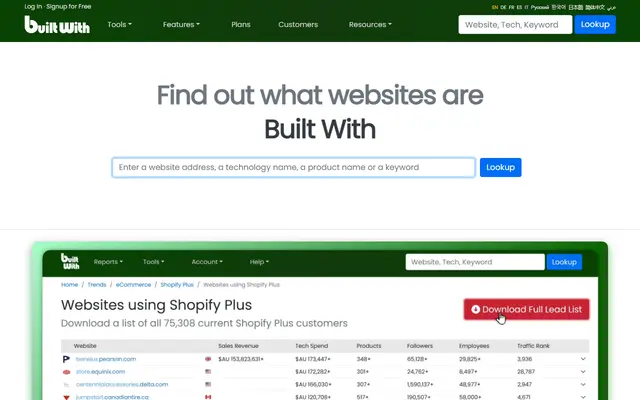
BuiltWith is a technology profiling service: you enter a website address and learn which platforms, plugins and services the site appears to run. According to our data it was founded in 2007, and its domain sits at Majestic rank 5844 with a Tranco rank of 16598. Marketers use that kind of lookup to build prospect lists, agencies use it to size up a competitor's stack, and developers use it to check what a client site is made of.
This page lists 47 alternatives and sorts them into eight types: direct competitors, budget-friendly checkers, free tools, an enterprise-grade platform, open-source detectors, self-hosted software, adjacent products and do-it-yourself scripts. Each type answers a different reason for leaving. Someone who wants a cheaper browser add-on needs a different shortlist from someone who must scan thousands of domains from their own server or who needs a polished data product for sales teams.
Everything here rests on public sources reviewed in November 2026. We did not run hands-on trials, and we do not quote prices, limits or coverage numbers, because those are not part of our data and change often. What we offer is a structured map of who the alternatives are and how prominent their domains are. Use it to build a shortlist, then verify current plans on each vendor site. The wider SEO tools category shows where technology lookup sits among related products.
BuiltWith is available at builtwith.com. Public records list BuiltWith as founded in 2007. Its domain ranks #5,844 in the Majestic Million, a free public list of the most-linked-to domains on the web. Its domain ranks #16,598 in the Tranco list of the most visited domains.
This page lists 47 alternatives to BuiltWith, spread across 8 types: direct (8), budget (7), free (3), enterprise (1), open source (14), self-hosted (3), adjacent (8), diy (3).
42 of the 47 entries were seen in live web search results during our November 2026 review; the remaining entries are labelled unconfirmed so you know where extra checking is needed.
- Direct: 8 (17%)
- Budget: 7 (15%)
- Free: 3 (6%)
- Enterprise: 1 (2%)
- Open source: 14 (30%)
- Self-hosted: 3 (6%)
- Adjacent: 8 (17%)
- DIY: 3 (6%)
42 of 47 entries (89%) were seen in live search results during our review; the rest are labelled “unconfirmed” and should be checked on the vendor site.
Quick comparison: the closest alternatives to BuiltWith
| Site | Name | Type | Founded | Majestic rank | Check |
|---|---|---|---|---|---|
 | Wappalyzer | Direct | n/a | #26,593 | seen in search |
 | SimilarTech | Direct | n/a | #104,696 | seen in search |
| Datanyze | Direct | n/a | n/a | seen in search | |
| Hunter TechLookup | Direct | n/a | n/a | seen in search | |
 | PredictLeads | Direct | n/a | #546,084 | seen in search |
What is BuiltWith and why do people look for alternatives?
BuiltWith belongs to the family of website technology lookup tools. The idea is simple: public pages reveal clues such as script names, headers and file paths, and a profiler turns those clues into a list of the content management system, analytics tag, payment widget or hosting service behind a site. Our data records that it was founded in 2007 and ranks 5844 in the Majestic Million, which shows how widely its domain is linked to on the web.
People look for substitutes for several recurring reasons. The first is cost: lookups at scale can become a notable budget line for a small team, and a free browser extension may answer most single-site questions. The second is workflow fit. A salesperson wants lists of companies using a specific product, a developer wants a command line tool, and a researcher wants raw datasets, and no single product feels perfect for all three. The third is control. Teams that scan many sites often prefer to run detection on their own infrastructure so that results, schedules and rate limits are theirs.
Others compare vendors out of caution, since data about technologies is inferred from public pages and two tools can disagree about the same site. That is not a defect so much as a reason to cross-check a few sources before acting. The sections below show how we compiled the list and how to choose between the types.
How we built this list
The list was compiled in November 2026 from public sources only: the Majestic Million ranking, the Tranco list, Wikidata for founding years and headquarters, and a manual review of public web search results. The methodology page states licences and limits.
Each entry is either seen in search, meaning we found it described as an alternative or competitor during the review, or unconfirmed, meaning it is in our source data but we could not match it. Of the 47 entries here, 42 were seen in search and 5 are unconfirmed. Unconfirmed entries are listed for completeness and never offered as a top pick. We sort entries into types because the word alternative hides very different trade-offs, starting with direct alternatives and open-source alternatives. Inclusion is not paid for.
How to choose a BuiltWith alternative
Begin by deciding whether you need to look up one site at a time or find many sites that share a technology. Single lookups are cheap to satisfy: a browser extension or a free web checker usually answers the question. Finding every domain that uses a particular platform is a data problem that needs a crawler and a large index, and that is where commercial services differ most from free tools and open-source detectors.
Next, consider accuracy and freshness. Detection rules age as software changes, so a tool that updates its rule set often will see more. Check how each product handles sites behind caching layers, single-page applications and consent banners. Finally, think about output. A sales team wants contact-ready lists, an analyst wants exports, and an engineer wants an API or a command line. If you plan to run detection yourself, read our guides to self-hosted options and DIY options. Weigh these criteria:
- Use case: single-site lookup, bulk list building, competitor research or security review.
- Coverage and freshness: how often detection rules and site data are refreshed.
- Export and API: check CSV downloads, API access and rate limits before committing.
- Cost model: per-lookup, per-seat or flat, and whether free tiers are truly usable.
- Control and privacy: whether you can run scans from your own infrastructure.
- Cross-checking: whether you can compare results against a second source.
Quick picks by situation
For the nearest like-for-like swap, begin with the direct group: Wappalyzer, SimilarTech, Datanyze, Hunter TechLookup, PredictLeads and Bloomberry are all described in public sources as technology lookup products. Netcraft, founded in 1994 in the United Kingdom, is an older name in web surveys. If budget is the constraint, look at WhatRuns, WebTechSurvey, WebTechDB, StackScan, CRFT Lookup and technologychecker.io, and try Wappalyzer Lite, Webspotter or Tech Detect for free checks.
For market-share statistics rather than per-site lookups, W3Techs is the adjacent pick, while urlscan.io helps when you want to see what a page loads. Store Leads and TheirStack target narrower lead-generation jobs, and Apify offers a ready-made actor for tech stack detection. Large revenue teams that want enterprise data should read about HG Insights, our single enterprise-grade entry.
Developers have the widest choice: WhatWeb, Nuclei and httpx with its technology detection flag run from the command line, and many repositories on GitHub are built on Wappalyzer rules. Teams exploring the wider market of competitive intelligence can compare Similarweb and Semrush, which cover traffic and search rather than technology.
All 47 alternatives to BuiltWith by type
Direct alternatives to BuiltWith (8)
Products that solve the same core problem for the same kind of buyer. Switching usually means moving data and retraining people, not changing how you work. For BuiltWith, this list contains 8 entries in this group, including Wappalyzer, SimilarTech, Datanyze, Hunter TechLookup and PredictLeads. See all direct alternatives across every product →
Choosing among direct alternatives to BuiltWith
Direct alternatives are standalone technology lookup products. Our data lists eight, of which seven were seen in search. Wappalyzer sits at Majestic rank 26,593 and SimilarTech at 104,696. Datanyze and Hunter TechLookup are also seen in search. PredictLeads (rank 546,084) and Bloomberry (191,839) are smaller names, and Netcraft, founded in 1994 and based in the United Kingdom, ranks 2,933. WhatCMS, at 172,938, was not confirmed in our review. The direct hub shows the type in general. Compare them on the same five or six domains you already know well, since this is the fastest way to see which one matches your needs and how often they disagree.
| Site | Name | Type | Founded | Majestic rank | Check |
|---|---|---|---|---|---|
| Wappalyzer | Direct | n/a | #26,593 | seen in search |
| SimilarTech | Direct | n/a | #104,696 | seen in search |
| Datanyze | Direct | n/a | n/a | seen in search | |
| Hunter TechLookup | Direct | n/a | n/a | seen in search | |
| PredictLeads | Direct | n/a | #546,084 | seen in search |
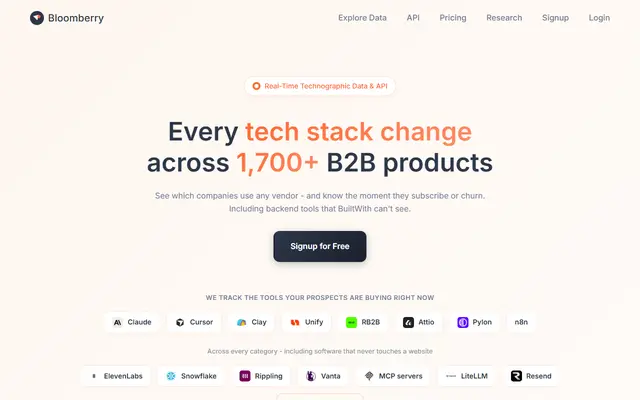 | Bloomberry | Direct | n/a | #191,839 | seen in search |
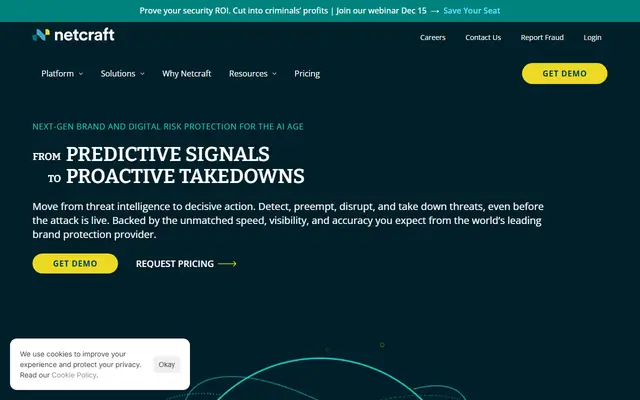 | Netcraft | Direct | 1994 | #2,933 | seen in search |
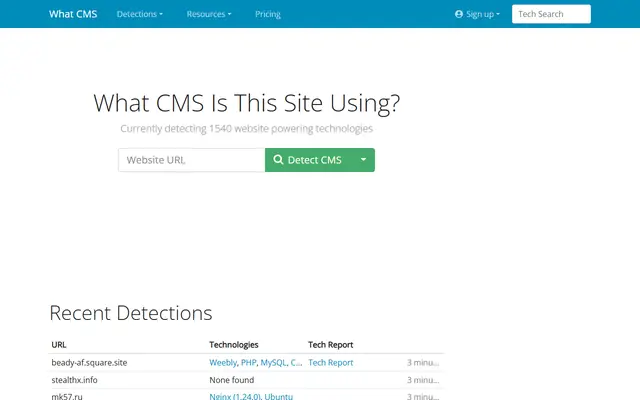 | WhatCMS | Direct | n/a | #172,938 | unconfirmed |
Budget-friendly alternatives to BuiltWith (7)
Lower-cost tools that cover the essential jobs without the full feature surface. A good fit when you pay for seats or features you rarely open. For BuiltWith, this list contains 7 entries in this group, including CRFT Lookup, WhatRuns, WebTechSurvey, WebTechDB and StackScan. See all budget alternatives across every product →
Choosing among budget-friendly alternatives to BuiltWith
Budget-friendly tools trade depth for price. Our data names seven, all seen in search: CRFT Lookup, WhatRuns, WebTechSurvey, WebTechDB, StackScan, technologychecker.io and DetectZeStack. Expect narrower databases and fewer bulk features than a full service, and check what the plans actually allow before assuming one fits your volume. The budget hub lists comparable options across other categories. A sensible test is to run the same ten sites through two budget tools and one direct product, then keep the cheaper tool only if the gaps do not matter for your work. Also check whether history and bulk export are included, as those are the first things lower tiers drop.
| Site | Name | Type | Founded | Majestic rank | Check |
|---|---|---|---|---|---|
| CRFT Lookup | Budget | n/a | n/a | seen in search | |
| WhatRuns | Budget | n/a | n/a | seen in search | |
| WebTechSurvey | Budget | n/a | n/a | seen in search | |
| WebTechDB | Budget | n/a | n/a | seen in search | |
| StackScan | Budget | n/a | n/a | seen in search | |
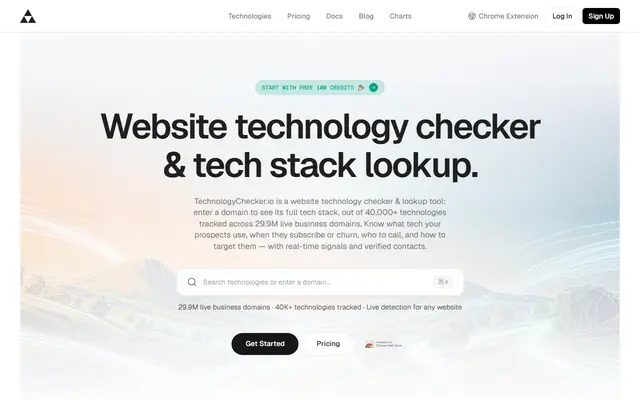 | technologychecker.io | Budget | n/a | #248,387 | seen in search |
| DetectZeStack | Budget | n/a | n/a | seen in search |
Free options to BuiltWith (3)
Tools with a free plan or free access that is usable on its own. Limits on volume, users or history usually apply, so check them before you commit. For BuiltWith, this list contains 3 entries in this group, including Wappalyzer Lite, Webspotter and Tech Detect. See all free alternatives across every product →
Choosing among free alternatives to BuiltWith
Three free options appear in our data and all were seen in search: Wappalyzer Lite, Webspotter and Tech Detect. Free tools suit occasional checks of single sites, not building prospect lists. Terms and limits change, so confirm the current offer on the vendor site, and compare answers with one other tool when a result matters. The free hub covers more no-cost options. Browser extensions are convenient while you browse, but web checkers are easier to share with colleagues. Neither replaces a bulk data product if you need lists of sites by technology.
Enterprise-grade alternatives to BuiltWith (1)
Platforms built for large teams: governance, audit trails, integrations and support contracts. They tend to cost more and take longer to roll out. For BuiltWith, this list contains 1 entry in this group, including HG Insights. See all enterprise alternatives across every product →
Choosing among enterprise-grade alternatives to BuiltWith
The enterprise type has one entry: HG Insights, a seen-in-search product whose domain has Majestic rank 79,618. Products of this kind are usually bought through sales teams and aimed at organisations that want technology data inside their planning and account systems. Ask about data sources, update cadence and contract terms. See the enterprise hub for the type and the ZoomInfo page for a related data vendor. Smaller teams should compare it with the direct group first, since contract size rarely suits a few lookups a week.
| Site | Name | Type | Founded | Majestic rank | Check |
|---|---|---|---|---|---|
| HG Insights | Enterprise | n/a | #79,618 | seen in search |
Open-source alternatives to BuiltWith (14)
Projects whose source code is public. You can inspect, modify and often self-host them, at the price of doing more of the maintenance yourself. For BuiltWith, this list contains 14 entries in this group, including enthec/webappanalyzer, Webklex/wappalyzer, Wappalyzer-Next (Python), HTTP Archive fork wappalyzer and wappalyzergo. See all open source alternatives across every product →
Choosing among open-source alternatives to BuiltWith
Open-source detectors give you code you can inspect and run. Our data lists fourteen, thirteen of them seen in search. Several are repositories derived from Wappalyzer rules: enthec/webappanalyzer, Webklex/wappalyzer, Wappalyzer-Next, the HTTP Archive fork, front-commerce/webappanalyzer, weglot/Wappalyzer and Zalaxx/webappanalyzer. Others are WhatWeb, Nuclei, httpx, scan4all, TechFinger, Blacklight Privacy Inspector and wappalyzergo, which we could not confirm. See the open-source hub. The difference between them is mostly packaging: some are libraries, some command line scanners and some browser tools. Check how recently each repository was updated, because stale rules miss new platforms. Licence terms are worth reading if you plan to embed a detector in a commercial product.
| Site | Name | Type | Founded | Majestic rank | Check |
|---|---|---|---|---|---|
| enthec/webappanalyzer | Open source | n/a | n/a | seen in search | |
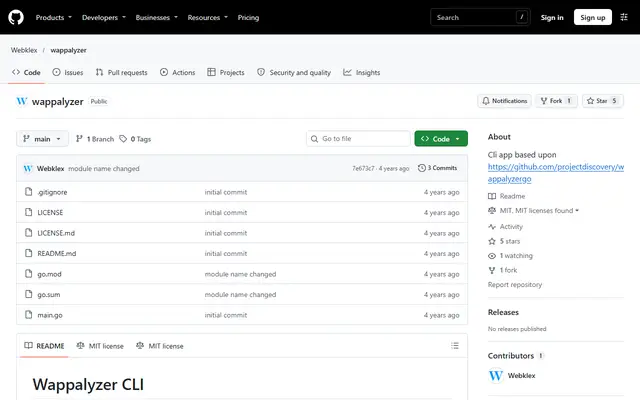 | Webklex/wappalyzer | Open source | n/a | n/a | seen in search |
| Wappalyzer-Next (Python) | Open source | n/a | n/a | seen in search | |
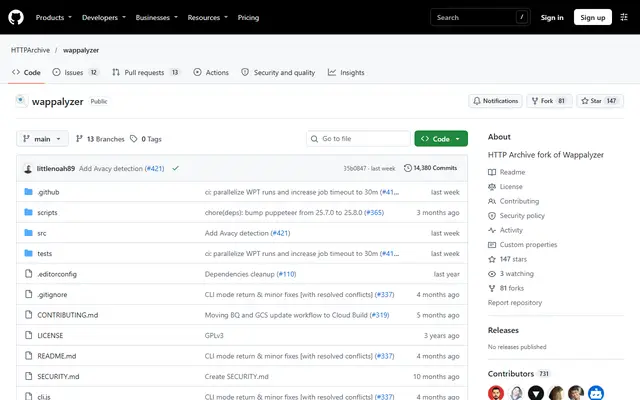 | HTTP Archive fork wappalyzer | Open source | n/a | n/a | seen in search |
| wappalyzergo | Open source | n/a | n/a | unconfirmed | |
| WhatWeb | Open source | n/a | n/a | seen in search | |
| Blacklight Privacy Inspector | Open source | n/a | n/a | seen in search | |
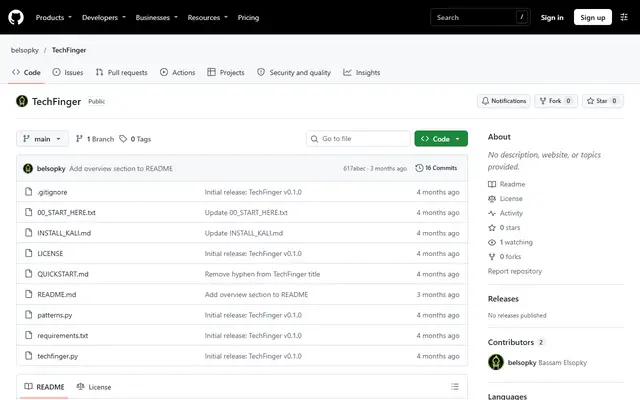 | TechFinger | Open source | n/a | n/a | seen in search |
| scan4all | Open source | n/a | n/a | seen in search | |
| Nuclei | Open source | n/a | n/a | seen in search | |
| httpx with the -tech-detect flag | Open source | n/a | n/a | seen in search | |
| front-commerce/webappanalyzer | Open source | n/a | n/a | seen in search | |
| weglot/Wappalyzer | Open source | n/a | n/a | seen in search | |
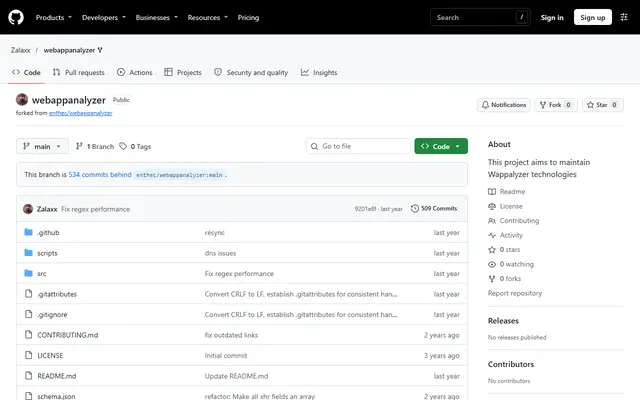 | Zalaxx/webappanalyzer | Open source | n/a | n/a | seen in search |
Self-hosted alternatives to BuiltWith (3)
Software you run on your own server or computer. You keep control of the data and the uptime, and you take on updates, backups and security. For BuiltWith, this list contains 3 entries in this group, including webanalyze, Ingredients and StackSnap. See all self-hosted alternatives across every product →
Choosing among self-hosted alternatives to BuiltWith
Self-hosted tools run on your own server or workstation. Our data names three, all seen in search: webanalyze, Ingredients and StackSnap. They keep scan targets and results in your hands, which matters when lists are sensitive, but you provide hosting, updates and rule maintenance. Read the self-hosted hub before committing. Plan scheduling, storage for results and a polite crawl rate so that your own scans do not get blocked by the sites you profile.
| Site | Name | Type | Founded | Majestic rank | Check |
|---|---|---|---|---|---|
| webanalyze | Self-hosted | n/a | n/a | seen in search | |
| Ingredients | Self-hosted | n/a | n/a | seen in search | |
| StackSnap | Self-hosted | n/a | n/a | seen in search |
Adjacent tools to BuiltWith (8)
Products that cover part of the job or approach it from another angle. Useful when you only need a slice of the original product. For BuiltWith, this list contains 8 entries in this group, including W3Techs, urlscan.io, Store Leads, TheirStack and Apify actor "Tech Stack Detector". See all adjacent alternatives across every product →
Choosing among adjacent alternatives to BuiltWith
Adjacent products cover part of the job. Our data lists eight. W3Techs (rank 3,106) publishes technology usage statistics, urlscan.io (9,201) scans and records what pages load, and Store Leads (164,087) and TheirStack are also listed. Apify, founded in 2016 in the Czech Republic, offers a tech stack detector. Censys, Shodan and SecurityTrails are security-oriented and were not confirmed in our review. Browse the adjacent hub. Pick these when your question is about the market or about security posture, not about one site's stack, and combine them with a direct lookup tool for the missing piece.
| Site | Name | Type | Founded | Majestic rank | Check |
|---|---|---|---|---|---|
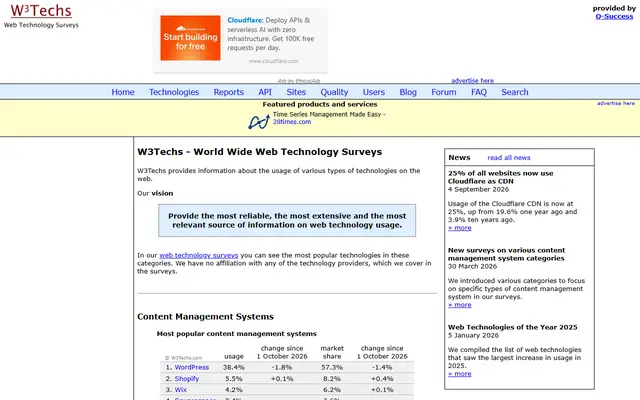 | W3Techs | Adjacent | n/a | #3,106 | seen in search |
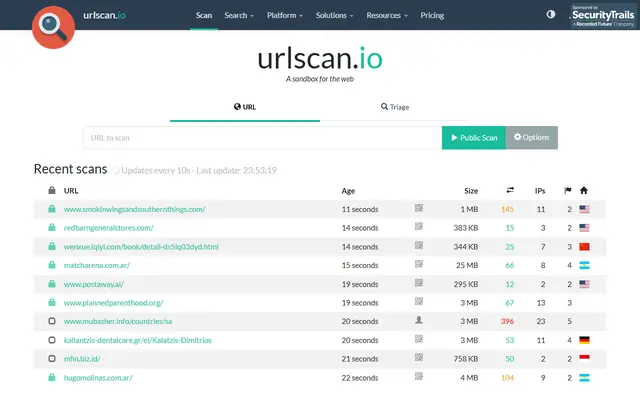 | urlscan.io | Adjacent | n/a | #9,201 | seen in search |
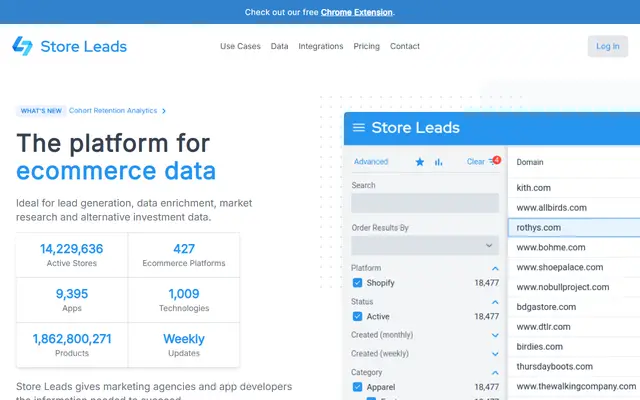 | Store Leads | Adjacent | n/a | #164,087 | seen in search |
| TheirStack | Adjacent | n/a | n/a | seen in search | |
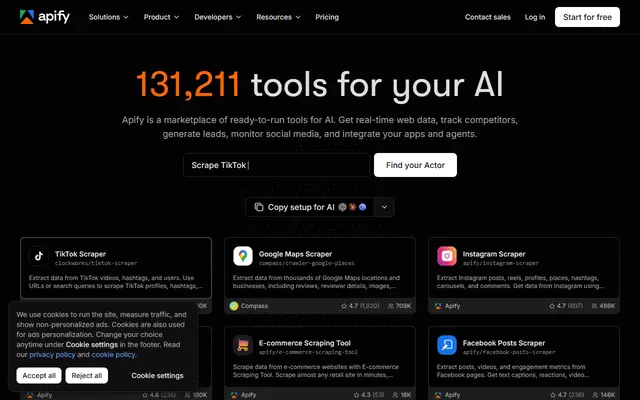 | Apify actor "Tech Stack Detector" | Adjacent | 2016 | #13,869 | seen in search |
 | Censys | Adjacent | 2017 | #27,245 | unconfirmed |
| Shodan | Adjacent | 2009 | #8,613 | unconfirmed | |
| SecurityTrails | Adjacent | n/a | #60,897 | unconfirmed |
DIY and self-made approaches to BuiltWith (3)
Spreadsheets, scripts and workflows you assemble yourself. Cheap and flexible for small needs, but they depend on whoever built them. For BuiltWith, this list contains 3 entries in this group, including Custom script for programmatic tech stack detection, Python tech stack scanner in under 50 lines and "Your own BuiltWith in 2 days". See all diy alternatives across every product →
Choosing among DIY alternatives to BuiltWith
DIY means writing your own detection. Our data lists three, all seen in search: a custom script for programmatic tech stack detection, a Python tech stack scanner in under fifty lines, and a guide titled Your own BuiltWith in 2 days. This route suits small, specific needs and teaches you how detection works, but you become the maintainer of the rules. Read the DIY hub for the type. A homemade scanner is also a good way to cross-check a commercial product on a small sample. Keep requests slow and respect each site's terms.
Migration checklist: moving away from BuiltWith
Treat a switch as a data-handling task. Before cancelling, export whatever your plan allows: saved lookups, lists, alerts and any API usage. Then rebuild the three or four searches you rely on in the new tool and compare results against the old one for a sample of domains, because detection rules differ and no two products agree perfectly. Record where they disagree so that stakeholders understand why numbers shift.
If integrations depend on the old service, such as a CRM field that is filled by an API, list them first and plan a cutover date. Where the old tool fed a sales process, make sure the new source provides the same fields or adjust the process. For examples of how prospecting data fits into outreach workflows, see the Clearbit page.
- Export saved lists, lookups and alert settings while the plan is active.
- Document API keys, scripts and integrations that call the old service.
- Rebuild your key searches in the new tool and compare a sample of domains.
- Check that the new source gives the fields your CRM or sheet expects.
- Run both tools in parallel for one cycle and log disagreements.
- Cancel only after exports are verified and downstream reports still work.
Mistakes to avoid when switching
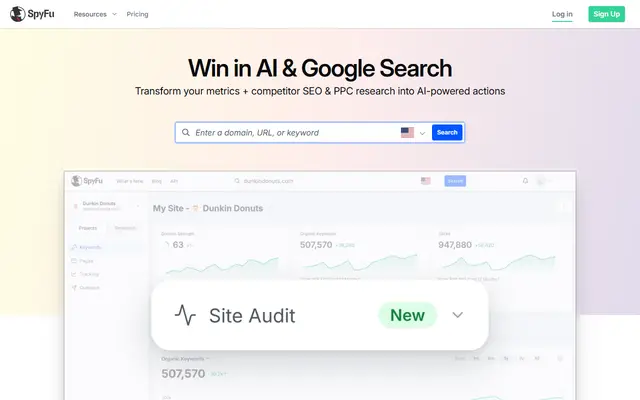
A frequent mistake is assuming detection results are facts. They are inferences from public pages, so a site may use a service that no tool sees, or show a leftover script that is no longer active. Another is choosing a free checker for a bulk job and then discovering the limits halfway through a campaign. Teams also forget that open-source rule sets need updating, or that scanning many sites quickly can trigger blocks. Finally, avoid treating unconfirmed entries as safe bets. For a different angle on competitive research, see the SpyFu page. Do not forget licences either: open-source rule sets and datasets come with terms you should read before reuse.
- Treating a detected technology as a guaranteed fact.
- Using a single-lookup tool for bulk list building.
- Skipping rule updates in open-source or DIY detectors.
- Scanning too fast and getting blocked by target sites.
- Relying on an unconfirmed entry without checking it is still active.
What the public data says about these alternatives
Our data contains 47 alternatives, 42 seen in search and 5 unconfirmed. By type the largest group is open-source (14), then direct (8) and adjacent (8), budget (7), free (3), self-hosted (3), DIY (3) and enterprise (1). Open source dominates, which reflects how much of this field is built on shared detection rules.
BuiltWith was founded in 2007 and has a Majestic rank of 5844 and a Tranco rank of 16598. Among alternatives with their own domains, Netcraft (2,933), W3Techs (3,106) and urlscan.io (9,201) rank higher than most, while PredictLeads sits at 546,084. The oldest founding year given for a named vendor is Netcraft's 1994. Many GitHub-hosted projects share one host rank, so it says nothing about each project. Treat the numbers as prominence signals, not quality scores. See the methodology page.
Frequently asked questions
What is the best free alternative to BuiltWith?
Our data lists three free options seen in search: Wappalyzer Lite, Webspotter and Tech Detect. They suit checking one site at a time. Confirm current limits on the vendor site, and compare with a second tool when an answer matters to a decision. Terms change, so read the current licence on each tool's page.
Is there an open-source alternative to BuiltWith?
Yes, many. WhatWeb, Nuclei and httpx with its technology detection flag are command line tools, and several repositories build on Wappalyzer rules, such as enthec/webappanalyzer and Wappalyzer-Next. They need technical skill and rule maintenance from you. Check licence terms before embedding any of them in a product.
What is the cheapest alternative to BuiltWith?
We do not list prices. The budget group in our data includes WhatRuns, WebTechSurvey, WebTechDB, StackScan, CRFT Lookup, technologychecker.io and DetectZeStack, and three free tools exist. Compare limits on lookups and exports, not only the monthly fee. Look at export and API access too, since those often differ between plans.
Which alternative is closest to BuiltWith?
The direct group is closest: Wappalyzer, SimilarTech, Datanyze, Hunter TechLookup, PredictLeads, Bloomberry and Netcraft were seen in search. Match the choice to your task, whether single-site lookup, list building or market statistics. Start with a few sites whose stack you already know and compare the answers.
Can I run technology detection on my own server?
Yes. Our data lists webanalyze, Ingredients and StackSnap as self-hosted tools, plus open-source options such as WhatWeb and Nuclei. You gain control over targets and schedules and take on hosting, updates and rule maintenance. Plan for scheduling, storage of results and polite request rates. Document the setup.
Which tools provide market share statistics instead of lookups?
W3Techs is the adjacent entry seen in search that publishes technology usage statistics. For competitor traffic and search data rather than technology, see the Similarweb and Semrush pages in this directory, which cover different parts of competitive research. Check each source's methodology page before quoting its figures.
Are the results of these tools accurate?
They are inferences from public page signals, so accuracy varies by tool, site and how often rules are updated. We did not test accuracy. Cross-check important findings with a second tool or a direct look at the site's source. Detection tends to be weaker for server-side tools hidden behind caching layers.
Can I build my own alternative?
Yes. Our data lists three DIY approaches seen in search, including a Python scanner in under fifty lines. It works for narrow needs, but you maintain detection rules and handle scale, blocking and legal considerations yourself. Expect to spend more time on maintenance than on the first build.
Bottom line
BuiltWith is a widely linked technology profiler, and the reasons to look elsewhere are specific: cost, workflow, control or the need for a second opinion. Match the type to the reason and the list shrinks quickly. For occasional checks a free tool is enough; for bulk list building a direct competitor or an enterprise data product is the better fit.
A practical shortlist has three names: one direct product such as Wappalyzer or SimilarTech, one free or open-source tool for cross-checking, and one adjacent source such as W3Techs for market context. Test them on domains you already know, compare results, and check current terms. Continue with the SEO tools category or the Similarweb page.
More alternatives pages related to BuiltWith

Explore more in SEO & Search Tools
Keyword research, rank tracking, audits and content optimization. Browse the full SEO & Search Tools hub, or jump to a related comparison: BrightLocal, rankingCoach, Google Keyword Planner, Semrush, Ahrefs, SpyFu, AccuRanker, Seobility.